Prerequisites
Before you start, you’ll need:- A Resend API key
- A verified domain
1. Get the Resend SMTP credentials
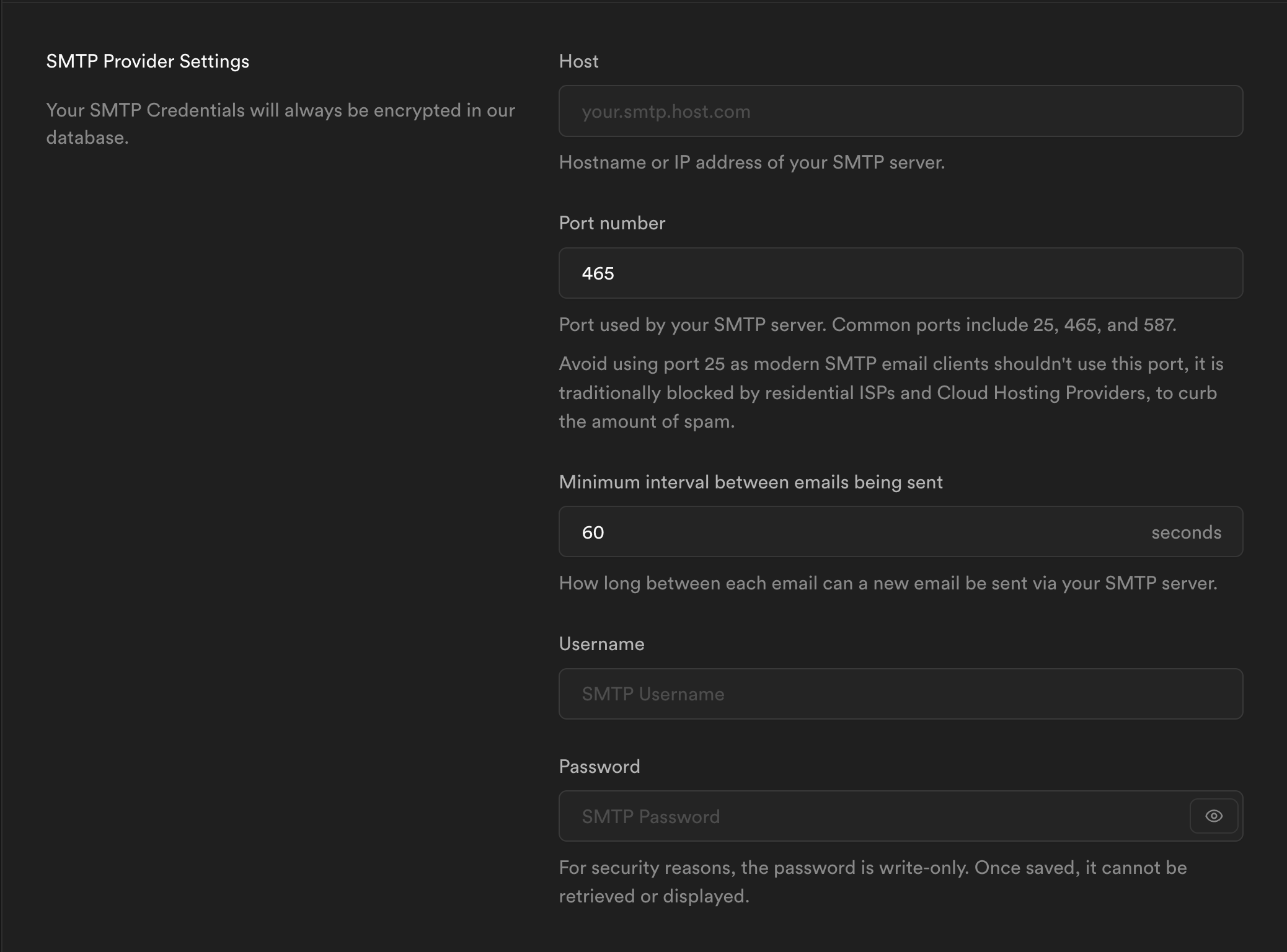
When configuring your SMTP integration, you’ll need to use the following credentials:- Host:
smtp.resend.com - Port:
465 - Username:
resend - Password:
YOUR_API_KEY
2. Integrate with Supabase SMTP
After logging into your Supabase account, you’ll need to enable the SMTP integration.- Go to your Supabase project
- Click on Authentication in the left sidebar
- Click Email under the Notifications section
- Click SMTP Settings
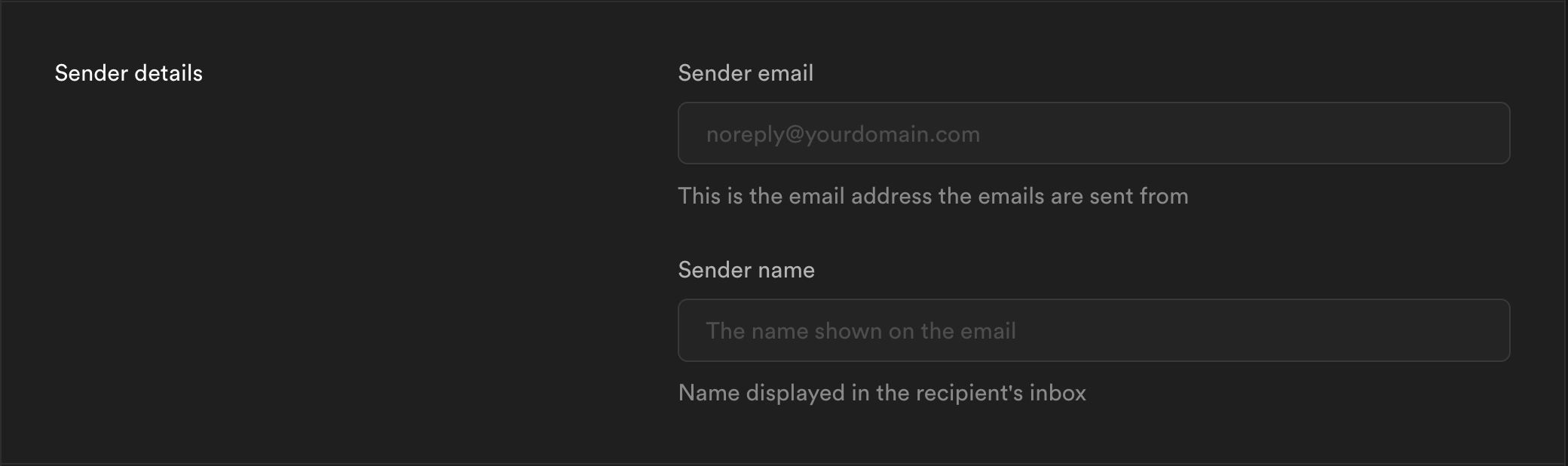
- Add your Sender email and name (these are required fields). For example:
support@example.comandACME Support.
- You can copy-and-paste the SMTP credentials from Resend to Supabase.